LIVE TV M3U PLAYLISTS: YOUR KEY TO REAL-TIME CHANNELS
Live TV M3U Playlists: Your Key to Real-Time Channels – Discover how to use Live TV M3U playlists for real-time television channels. Learn about their features, pros and cons, and how to access them easily. In short, this guide explains Live TV M3U playlists in plain language.
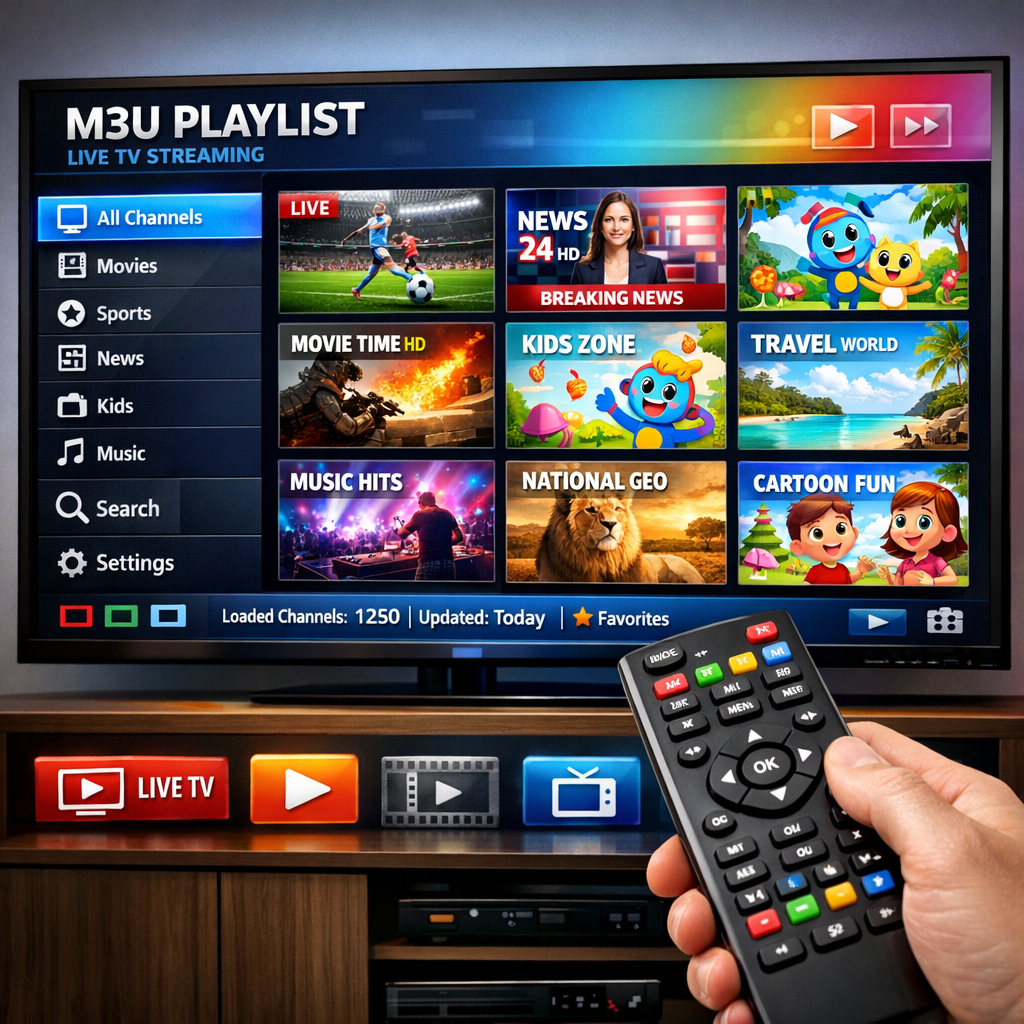
Live TV M3U playlists: Direct answer
Live TV M3U playlists are lists of streaming links that allow users to watch real-time television channels. They are easy to access and can be used with various media players.
Live TV M3U playlists: Key Takeaways
- Live TV M3U playlists provide access to real-time television channels.
- They are easy to use with various media players.
- Always ensure the legality of the channels in your playlist.
- You can create custom M3U playlists for personal use.
What’s New Today

Live TV M3U playlists are gaining popularity as more people seek flexible streaming options. These playlists allow users to access real-time television channels from various sources. For example, you can find verified playlists on GitHub, such as the one at iptv-org [1]. As the demand for on-demand content continues to rise, M3U playlists are becoming a go-to solution for many viewers looking to cut the cord and explore alternative viewing methods.
Overview
Live TV M3U playlists are text files that contain a list of streaming links. Each link points to a live television channel, allowing users to enjoy their favorite shows and events in real-time. Users can load these playlists into compatible media players to watch their favorite shows and events in real-time. This method of streaming is popular because it offers a wide range of channels without the need for a traditional cable subscription. The flexibility of M3U playlists means that users can access content from various genres, including sports, news, and entertainment, all in one place [2].
Key Features
- Access to a variety of live channels, including international options.
- Compatibility with multiple media players, such as VLC and IPTVnator [3].
- Ability to create custom playlists tailored to individual preferences.
- Free-to-air channels available for legal streaming, ensuring compliance with broadcasting regulations.
- Support for high-definition streaming, depending on the source quality.
Pros and Cons
Pros
- Cost-effective compared to cable subscriptions, often providing similar or greater channel variety.
- Wide selection of channels from different regions, catering to diverse viewing preferences.
- Easy to set up and use, with straightforward instructions for importing playlists into media players.
- Flexibility to watch content on various devices, including smartphones, tablets, and smart TVs.
Cons
- Quality may vary depending on the source, with some streams experiencing buffering or low resolution.
- Some channels may not be available in all regions, limiting access to certain content.
- Legal issues can arise if using unauthorized playlists, which may lead to potential fines or penalties.
- Reliability of streams can fluctuate, with some channels going offline unexpectedly.
Key Insights
Many users appreciate the flexibility that Live TV M3U playlists offer. They can watch live sports, news, and entertainment without being tied to a cable provider. However, it is essential to ensure that the channels are legally available. Always check the source of your M3U playlist to avoid potential legal issues. Engaging with community forums and user reviews can also provide insights into the reliability and legality of specific playlists [4].
Patterns
As streaming technology evolves, more people are turning to M3U playlists for their viewing needs. This trend reflects a shift away from traditional cable services. Users are looking for convenience and variety, which M3U playlists provide. The rise of smart TVs and streaming devices has further facilitated this transition, making it easier for users to access their favorite content without the constraints of cable contracts [5].
Controversies
One major controversy surrounding M3U playlists is the legality of certain channels. While many playlists contain free-to-air channels, some may include links to unauthorized content. This can lead to legal repercussions for users. It is crucial to use verified sources when accessing M3U playlists. Legal experts recommend that users familiarize themselves with copyright laws in their region to avoid unintentional violations [6].
Blind Spots
Many users may not realize that not all M3U playlists are created equal. Some may contain outdated or broken links. Therefore, it is essential to regularly check and update your playlists to ensure a smooth viewing experience. Utilizing tools that can automatically verify and refresh playlist links can enhance user experience and reduce frustration [7].
Opportunities
There is a growing opportunity for developers to create user-friendly applications that help users manage their M3U playlists. Tools that can automatically update playlists or provide recommendations based on viewing habits could enhance the user experience. Additionally, integrating features such as parental controls and personalized content suggestions could attract a broader audience [8].
Advanced Breakdown
To use Live TV M3U playlists effectively, you need a compatible media player. Popular options include VLC and IPTVnator. Once you have a player, you can easily import your M3U playlist by entering the URL. This process is straightforward and allows for quick access to your favorite channels [9]. Furthermore, some players offer advanced features such as recording live TV and creating a favorites list, enhancing the overall viewing experience.
Comparison
Live TV M3U playlists are often compared to traditional cable services. While cable offers a stable connection and customer support, M3U playlists provide flexibility and a broader range of channels. Users can choose what they want to watch without being locked into a contract. Moreover, the ability to access international channels and niche content is a significant advantage of using M3U playlists over conventional cable services [10].
What People Are Asking
Many users are curious about how to find reliable M3U playlists. The best approach is to look for playlists from trusted sources, such as GitHub repositories. Additionally, forums and community groups can provide recommendations for verified playlists. Engaging with other users can also help in discovering new channels and playlists that suit individual preferences [11].
Popular Searches and Questions
Common searches include “best M3U playlists for live TV” and “how to create an M3U playlist.” These queries reflect the growing interest in streaming options and the desire for personalized viewing experiences. Users are increasingly looking for ways to customize their viewing habits, leading to a rise in the creation of user-generated playlists [12].
FAQ
- What are Live TV M3U playlists? They are files containing links to streaming television channels.
- How do I access M3U playlists? Use a media player that supports M3U files, like VLC.
- Are M3U playlists legal to use? Yes, if they contain free-to-air channels.
- Can I create my own M3U playlist? Yes, by compiling links to your favorite channels.
- How often should I update my M3U playlists? Regularly, to ensure all links are functional and up-to-date.