A BEGINNER'S GUIDE TO PLAYLIST TYPES
A Beginner's Guide to Playlist Types – Explore different playlist types like M3U and HLS. Learn their uses, features, and how they compare. Get insights into IPTV playlists and more. In short, this guide explains playlist types in plain language.
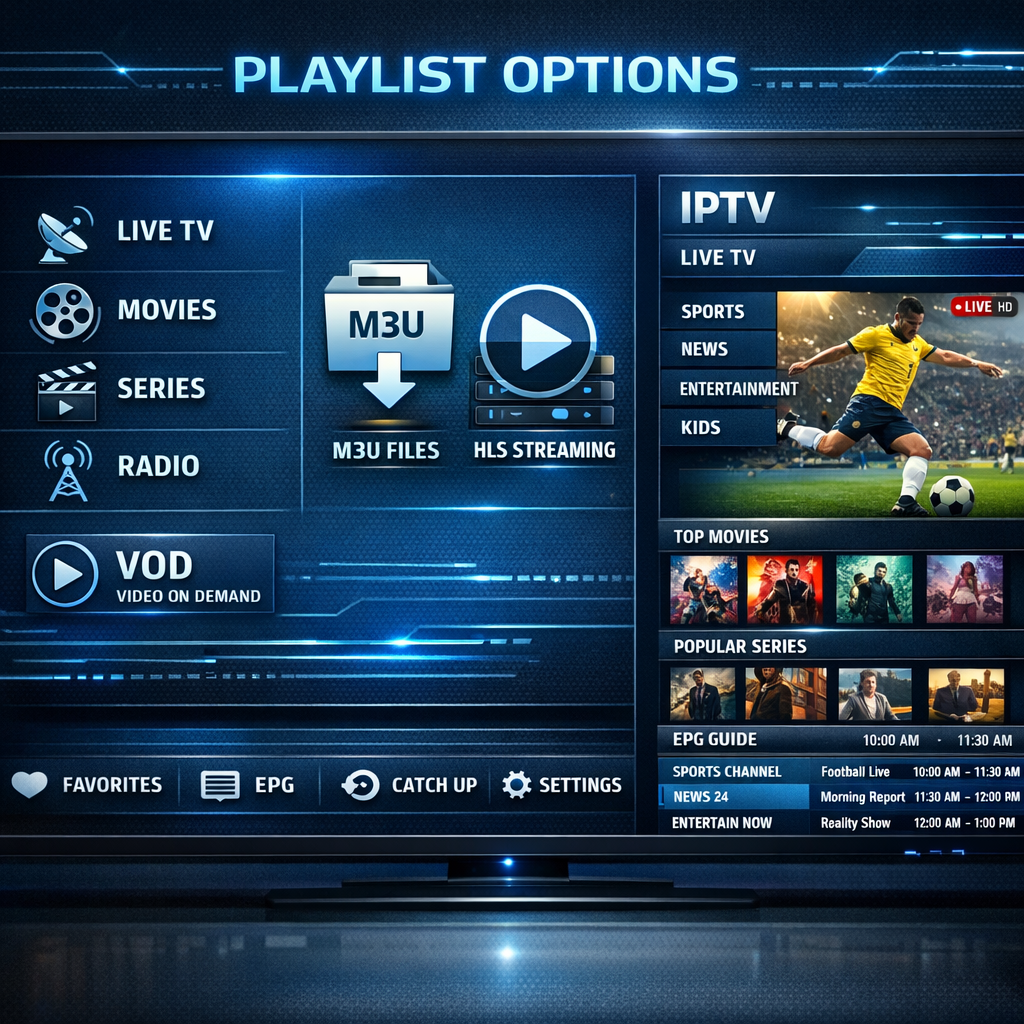
playlist types: Direct answer
Playlist types, like M3U and HLS, are essential for streaming media. They organize content for easy access. M3U files are often used for IPTV, while HLS is popular for adaptive streaming. Understanding these types helps improve your viewing experience.
playlist types: Key Takeaways
- Playlist types help organize streaming content.
- M3U is commonly used for IPTV services.
- HLS allows for adaptive streaming based on user bandwidth.
- Understanding these types enhances your media experience.
- You can create custom playlists for personal use.
What’s New Today
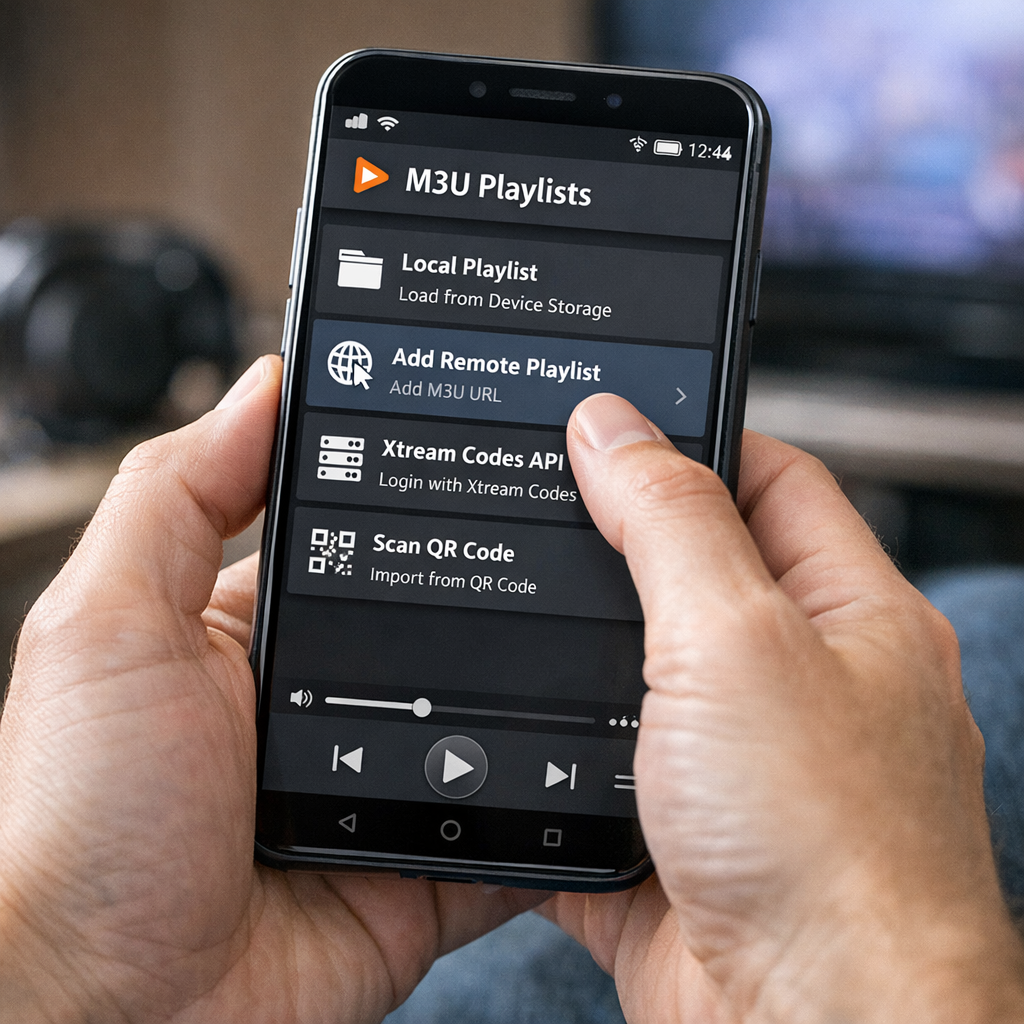
Playlist types are evolving rapidly in the digital landscape. New formats and technologies are emerging to enhance streaming experiences for users across various platforms. For example, M3U playlists are widely shared online, offering access to a diverse range of channels and content types, making them a popular choice among streaming enthusiasts [1]. As technology continues to advance, we can expect even more innovative playlist formats to emerge, catering to the ever-changing needs of consumers.
Overview
Watch on YouTube
Playlist types are essential for organizing and accessing media content efficiently. They allow users to stream videos, music, and other media easily, providing a structured way to enjoy digital content. Two popular types of playlists are M3U and HLS. M3U files are often used in IPTV services, allowing users to access television channels over the internet, while HLS (HTTP Live Streaming) is known for its ability to provide adaptive streaming, which adjusts the quality of the video based on the user’s internet bandwidth [2]. This adaptability is crucial for maintaining a seamless viewing experience, especially in environments with fluctuating network conditions.
Key Features
M3U Playlists
- Text-based format that lists media links, making it easy to read and edit.
- Commonly used for IPTV services, allowing users to access a variety of channels.
- Can be categorized by country or content type, providing users with tailored options [1].
- Supports a wide range of media players, enhancing compatibility across devices.
HLS Playlists
- Supports adaptive streaming based on user bandwidth, ensuring optimal playback quality.
- Allows for smooth playback on various devices, including smartphones, tablets, and smart TVs.
- Widely used in live streaming applications, making it a go-to choice for broadcasters [3].
- Facilitates real-time content delivery, which is essential for live events and broadcasts.
Pros and Cons
M3U Playlists
- Pros: Easy to create and share, making them accessible for casual users.
- Cons: May not support adaptive streaming, which can lead to buffering issues in low-bandwidth situations.
- Limited to static content, which may not meet the needs of users looking for dynamic streaming options.
HLS Playlists
- Pros: Provides a better viewing experience with adaptive quality, adjusting to network conditions in real-time.
- Cons: More complex to set up compared to M3U, requiring a deeper understanding of streaming technology.
- Can be resource-intensive, which may affect performance on lower-end devices.
Key Insights
Understanding playlist types is crucial for anyone interested in streaming media. M3U playlists are user-friendly and widely available, making them a popular choice for many users. HLS, on the other hand, offers a more advanced streaming experience, particularly for those who prioritize quality and adaptability. Both types have their unique advantages and disadvantages, and the choice between them often depends on the user’s specific needs and technical expertise [4].
Patterns
Many users prefer M3U playlists for their simplicity and ease of use. However, as streaming technology advances, HLS is becoming more popular due to its adaptive capabilities, which enhance the overall user experience. This trend shows a shift towards better user experiences in media consumption, as more users seek high-quality streaming options that can adjust to their internet conditions [5].
Controversies
Some users debate the legality of certain M3U playlists. While many are legitimate and provide access to authorized content, others may link to pirated material, raising ethical and legal concerns. It is essential to verify sources before using any playlist to ensure compliance with copyright laws and to support content creators [6].
Blind Spots
Many users overlook the importance of playlist management. Properly organizing playlists can significantly enhance the streaming experience, allowing users to find and enjoy their favorite content more easily. Additionally, not all media players support every playlist type, which can lead to frustration when users encounter compatibility issues. Understanding the strengths and limitations of each playlist type can help users make informed decisions about their media consumption [7].
Opportunities
There is a growing demand for user-friendly playlist creation tools. Developers can create applications that simplify the process of making and managing playlists, catering to both casual users and more advanced streamers. This could attract more users to streaming services, as easier playlist management can enhance user satisfaction and engagement [8].
Advanced Breakdown
When comparing M3U and HLS, it is clear that each serves different needs. M3U is straightforward and easy to use, making it ideal for casual users who want quick access to content. HLS, however, is designed for a more dynamic streaming experience, adapting to network conditions to provide the best possible quality. This makes HLS a preferred choice for professional broadcasters and users who prioritize high-quality streaming [9].
Comparison
Compared to traditional playlists, M3U and HLS offer more flexibility and functionality. Traditional playlists may not support streaming, while M3U and HLS are built specifically for that purpose. This makes them more suitable for modern media consumption, as users increasingly seek seamless and high-quality streaming experiences [10].
What People Are Asking
Many users are curious about how to create their own playlists. Others want to know the best media players for M3U and HLS. Understanding these questions can help users make informed choices and enhance their streaming experiences. Resources and guides are available online to assist users in navigating the complexities of playlist creation and management [11].
Popular Searches and Questions
Common searches include “how to create M3U playlists” and “best HLS players.” These queries reflect the growing interest in playlist types and their applications in streaming. As more users engage with digital media, the demand for information on playlist management and optimization continues to rise [12].
FAQ
- What are playlist types? Playlist types are formats that organize media content for streaming. Common types include M3U and HLS.
- How do M3U playlists work? M3U playlists contain links to media files. They are used in IPTV services to stream channels, providing users with a convenient way to access content.
- What is HLS? HLS stands for HTTP Live Streaming. It allows adaptive streaming of video content over the internet, adjusting quality based on user bandwidth.
- Can I create my own playlists? Yes, you can create your own M3U playlists by listing media links in a text file. There are also various tools available to assist in this process.